What's new · 28 September 2026
Build the venue. Then race it.
A new editor, whole venues around your circuit, and an AI grid to race on it. Here's what you can do now.
Studio
Shape it. Dress it. Show it.
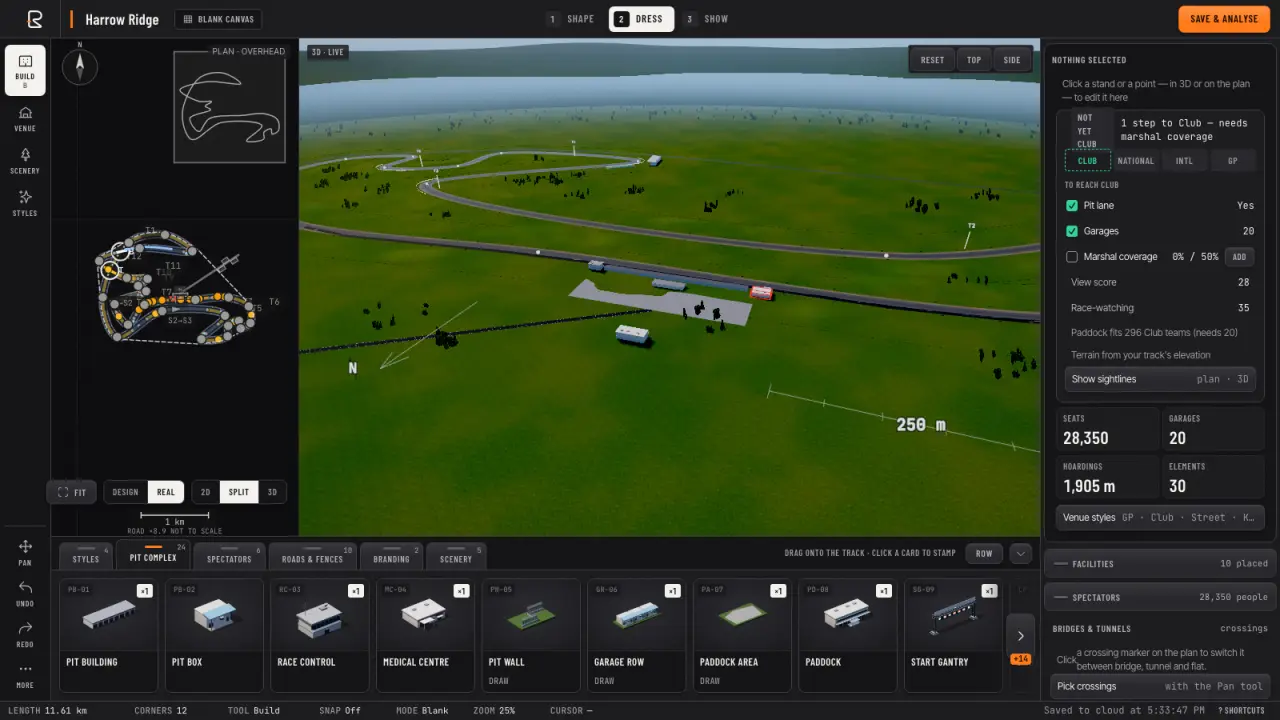
The new editor works in three steps. Shape the lap, then Dress it from a tray of grandstands, garages, gantries and scenery — drag a card straight into the 3D view and it lands facing the track.
Show is where it goes on the grid: pick the hour and the car, then take it for a lap.
Venues
Build the whole venue.
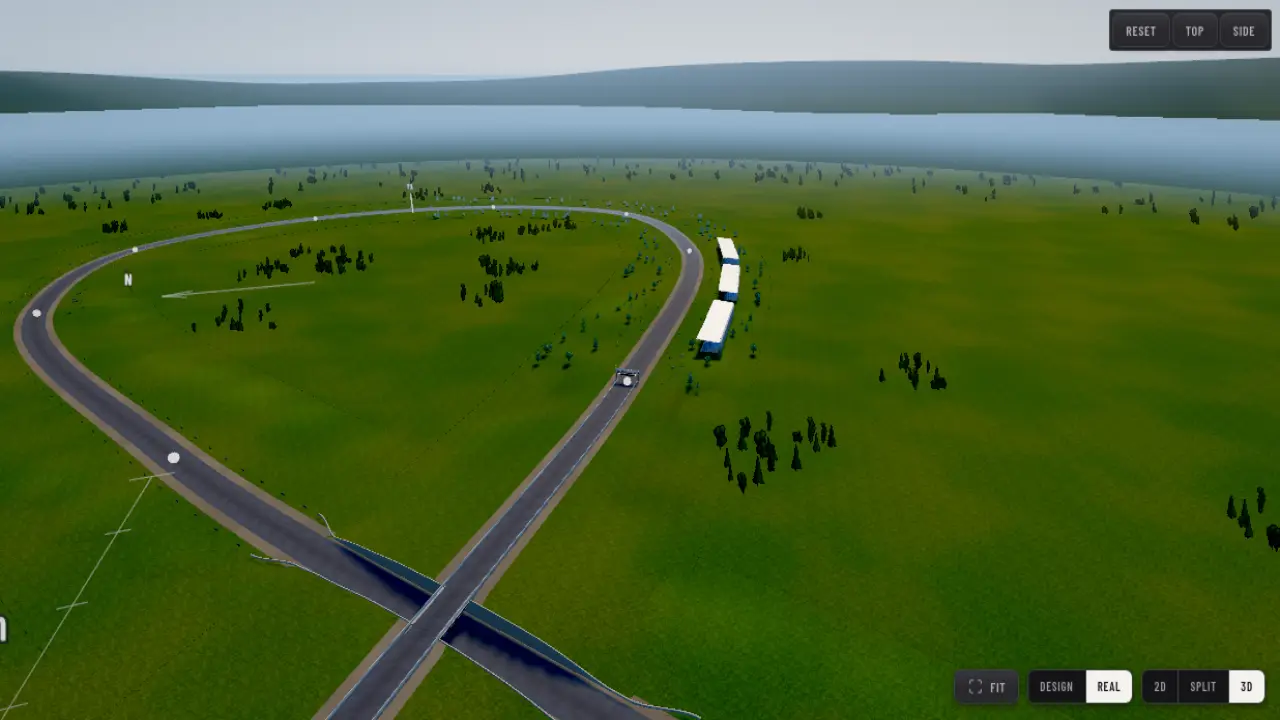
Grandstands turn to face the track, and one drag lays a whole row of them. Draw roads, fences, walls and car parks — and where your circuit crosses itself, pick a bridge or a tunnel.
The venue grade tells you what each stand can see and what it takes to go from Club to Grand Prix. Short on time? Auto venue lays one out in a click.
Race Day
Race a full grid on your circuit.
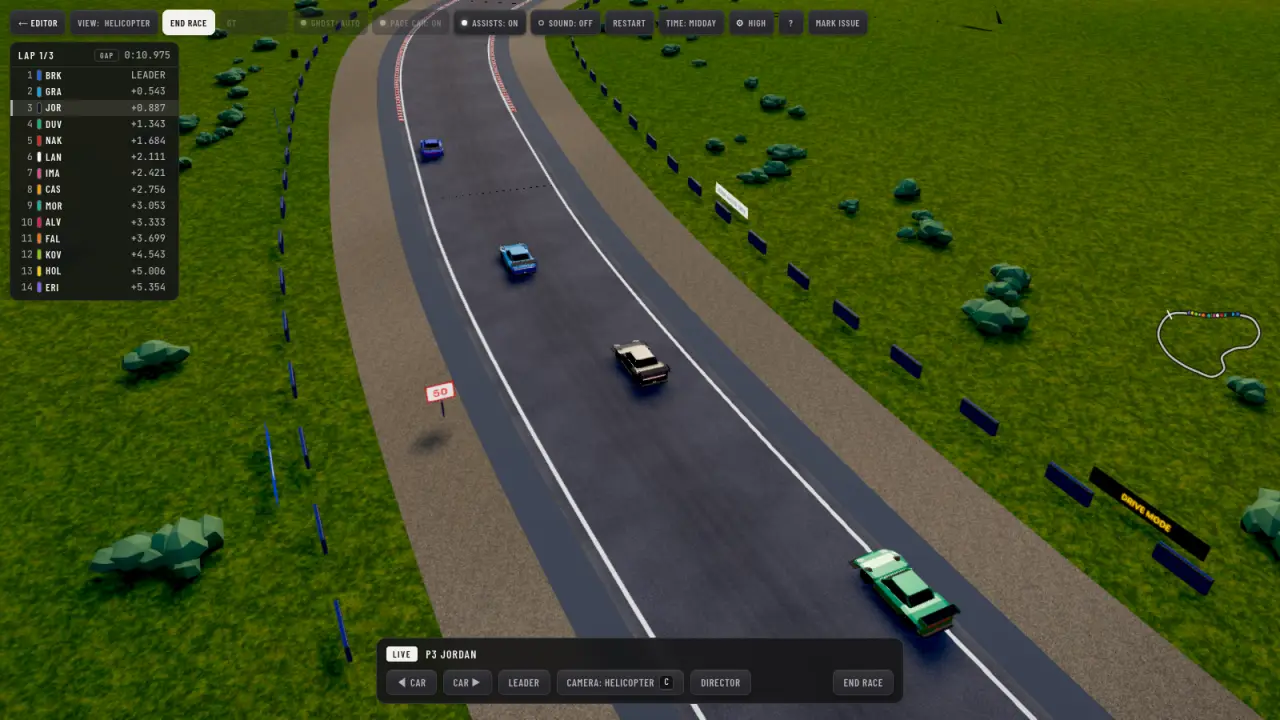
Line up against up to 20 AI cars, or sit back and watch it on the TV cameras. They race for position, lean on each other through the corners and queue into the hairpins.
Standing or rolling starts, yellow flags and a safety car, tyres that wear and pit stops — and a results card to share at the flag.
Drive mode
And drive mode looks better.
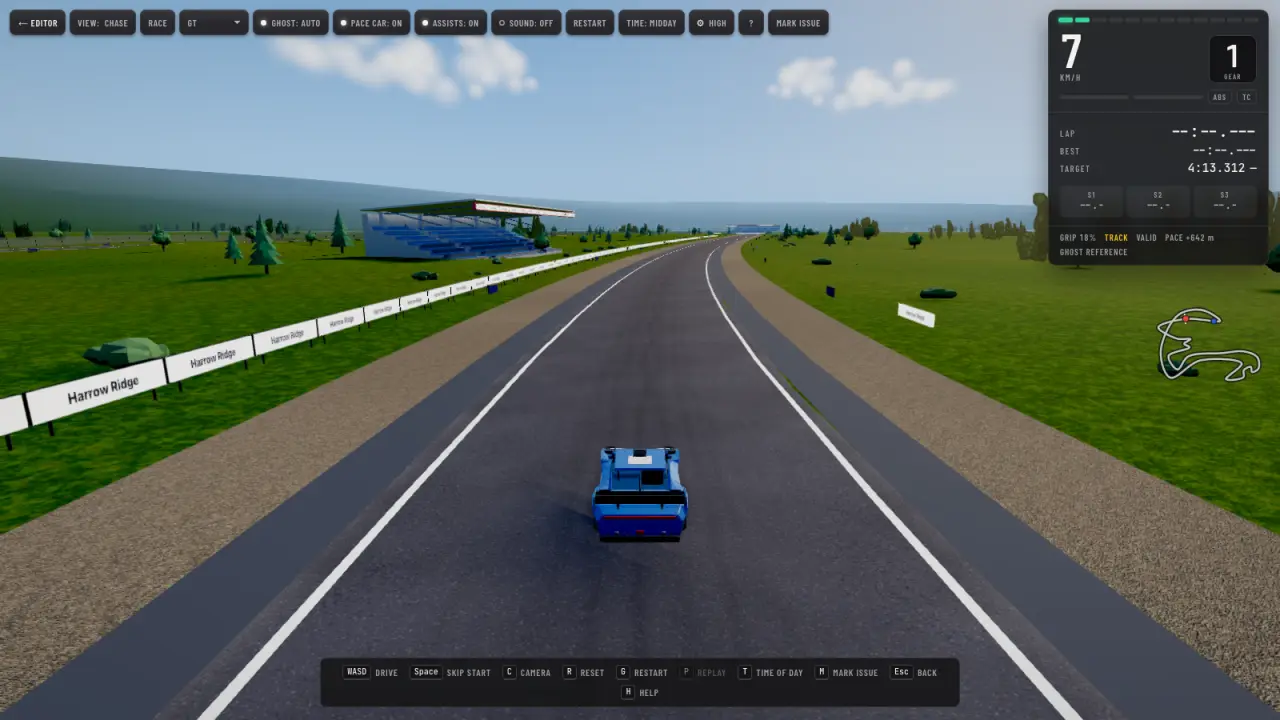
- A new sky and light at every hour, from dawn to night.
- Grass, gravel and landscape that run out to the horizon.
- Rebuilt cars with headlamps and working brake lights.
- Dust, smoke and skid marks that stay down for the session.
- Pick your own quality in the settings — up to Ultra on a strong GPU.
Your circuit is waiting.
Draw a lap in a couple of minutes — free, in the browser.
Start designing